


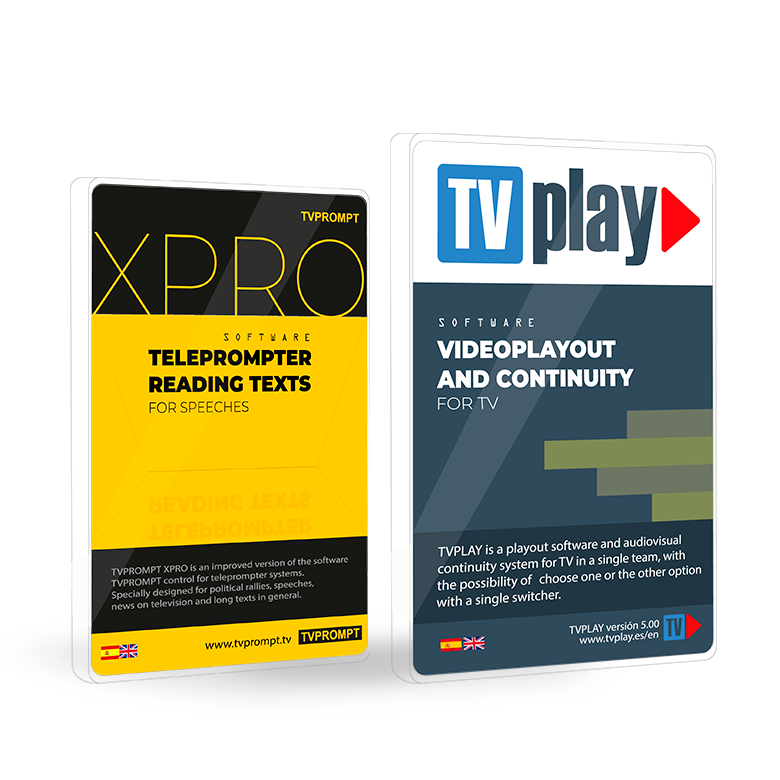


why tvplay?
Versatile solution
to manage
the playback
of multimedia elements
in multiple formats,
without the need for additional hardware.

TVPLAY
New improved and optimized playback engine with new graphical interface.

Automatic ladders
The option to schedule playlists according to the day of the week allows, for example, to broadcast news on weekday mornings and entertainment on weekend nights, thus optimizing content management.
Flexible reproduction
The feature makes it possible to transmit live or recorded video using protocols such as UDP, HTTP, RTP, RTSP and SRT, used in the industry to deliver high-quality content on the network.
Powerful and simple
Compatible with a variety of standard video cards, reducing costs and providing flexibility by allowing you to choose the most appropriate option for your needs and budget.
tvplay
Conceived and designed
for professionals,
by professionals.

Broadcast
in Full HD
Full HD broadcasting provides superior picture quality, with sharper details and more vivid colors, enhancing the viewer's viewing experience. In addition, the ability to transmit in Full HD is especially useful for TV stations that want to offer their viewers the best possible image quality.

Recording and uploading of
play-lists to disk in XML format.
This feature allows users to burn and upload playlists, which are playlists of videos, directly to disk in XML format. The XML format is widely used due to its flexibility and ease of use.

Random playback option
of the Play-List
This functionality allows users to play the videos in the playlist in a random order, which can be useful for keeping content fresh and providing a varied viewing experience. Shuffle can be especially useful for TV channels that broadcast entertainment content, such as music or short videos, where variety is key to maintaining viewer interest.

Tags for quick identification of video type
This feature allows users to assign tags to videos, facilitating their quick identification and classification according to content type. Tags can include categories such as news, sports, entertainment, documentaries, among others. This functionality is especially useful for managing large libraries of video content, allowing users to quickly locate and select the right videos for broadcast.
tvplay
Non Stop playback of multiple formats.
This means that TV channels can broadcast a variety of video content without worrying about interruptions or format compatibility. In addition, the ability to play videos in multiple formats ensures that the software can handle any type of video content, regardless of how it was encoded or stored.

TVPLAY
TVPLAY playback legal copy ingest for TV and bradcasting systems guarantees continuity, security and reliability through a simple and reversible system that protects the signal and technical equipment

TVPLAY playback ingestion legal copy for TV and broadcast systems
1. It does not replace your existing systems.
It is only activated when other systems fail and does not alter the main programming or signal.
2. Does not affect the main broadcast chain
Operates in parallel, ensuring uninterrupted signal continuity.
3. Total Security
- It does not interrupt the signal if it fails.
- It automatically logs in if the main system fails.
- It does not introduce new risks or failure modes.
4. Simple and reliable
- No complex structures or critical databases.
- No floating licenses or external dependencies.
5. Fully reversible
-
It can be removed without losing settings.
-
No lock-in, forced migration, or vendor lock-in.
6. Protects the signal and the technician on call
-
Automate actions that would normally be late.
-
It works even if there are no staff available.
-
Reduce emergency calls and avoid decisions under pressure.
7. Secure and strategic role
It is not the main system, and therefore it is more secure: it acts only as a backup.
8. Isolate risks
Keeps any problems contained, without affecting the main operation.
Complete and reliable integration
TVPLAY brings together all playback, ingest and legal copying functions in a secure, reversible and highly reliable system.
TVPLAY is professional playout software designed to meet all audiovisual content broadcasting and playback needs. It is designed for broadcast and professional environments. It also allows for centralised management of playlist, schedules and video programming. This optimises operational efficiency and reduces technical errors.
TVPLAY professional playout software facilitates the automation of both live and scheduled broadcast. This allows technical staff to focues on content quality and signal continuity. It also offers compatibility with industry standard formats, ensuring flexibility and adaptability to different workflows.
Main features of TVPLAY
TVPLAY integrates advanced tools for audiovisual playback. For example, it allows you to control broadcast times and monitor multiple channels simultaneously. In addition, it can be combined with ingest and recording systems. This creates a complete and consistent workflow from capture to final broadcast.
Its modular design facilitates the expansion of technical capabilities according to project requirements. It also ensures stability and performance even during continuous broadcast. As a result, TVPLAY is a flexible and scalable solution for any professional environment.
Benefits of choosing TVPLAY
The use of TVPLAY professional playout software improves technical organisation and broadcast reliability. It also centralises all functions on a single platform. This reduces dependence on disconnected tools and optimises technical resources
Finally, TVPLAY is part of a complete ecosystem that includes ingest, recording, and automation. This provides total control over signal programming, playback, and management. In short, choosing TVPLAY means having a robust, secure, and adaptable system for all your professional broadcasting needs.